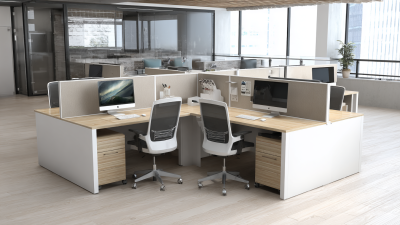
What Are the Top Types of Desk Tables?
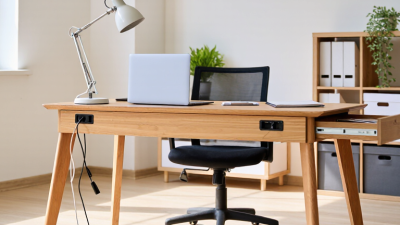
A Desk Table can shape how comfortably and efficiently you work, study, or create. The right choice depends on more than appearance. Room size, daily tasks, storage needs, and posture all matter. A broad desktop may suit a monitor and paperwork, while a narrow model can fit beside a bed or in a small apartment. Small details matter.
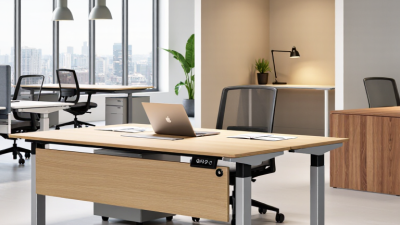
Common types include writing desks, computer desks, executive desks, standing desks, and drafting tables. Each serves a different purpose. Writing desks keep the layout simple, while computer desks often provide space for screens, cables, and accessories. Executive models tend to offer generous surfaces and storage. Standing desks allow users to change working positions, though they still need stable construction and sensible height adjustment.
There is no single best style for every room. A standing desk may sound ideal, but it can feel unnecessary if you rarely adjust its height. Likewise, extra drawers are useful only when they do not crowd your legroom. Measure the space, including chair clearance, before comparing designs. Check the tabletop dimensions, weight capacity, materials, and assembly requirements. These practical checks can prevent an attractive purchase from becoming an awkward fit.
This guide explores the top types of desk tables and the situations each one suits. It also considers trade-offs, since categories sometimes overlap. A compact computer desk, for example, may work perfectly well as a writing surface. The goal is to help you compare options using real needs, not labels alone.
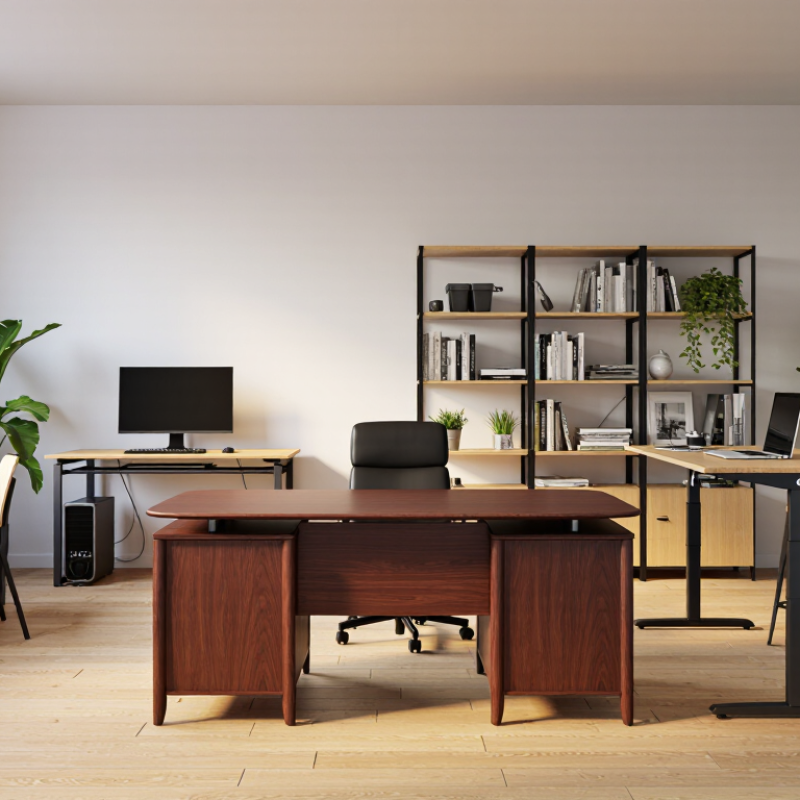
How Desk Tables Are Classified by Design and Use
Desk tables are classified by shape, adjustment, and the work they support. A writing desk usually has a clear, flat surface for notebooks and light equipment. A computer desk adds cable openings, monitor space, and sometimes a keyboard tray. L-shaped desks separate tasks, while compact desks suit narrow rooms. Looks matter, but reach and legroom matter more.
Adjustable desks serve people who alternate between sitting and standing. A 2018 Cochrane systematic review found sit-stand desks reduced workplace sitting by about 100 minutes per day in the short term. The review also rated the evidence as low quality, so the figure is useful, not a guarantee. Fit matters. Check that the desktop holds your monitor at a comfortable viewing distance and leaves room for your forearms.
Use often determines the best design. A shared workstation may need easy height adjustment and a surface that accommodates different users. A home study desk may prioritize drawers, a lamp, and room for paper. A corner desk can save floor space, yet its deep return may put everyday items out of reach. No category is perfect. Measure the room, chair, and equipment before choosing; desk labels alone can be misleading.
Writing Desks for General Tasks
A writing desk for general tasks should support more than handwriting. It may hold a laptop, open notebook, reference papers, and a cup of tea. A clear surface around 120 centimeters wide often gives these items room without making everyday work feel scattered. Choose a height that lets your shoulders relax and your forearms rest comfortably. OSHA’s Computer Workstations eTool recommends placing a monitor roughly 20 to 40 inches from the eyes, with its top at or below eye level. That guidance helps when a writing desk doubles as a computer station. Small details matter.
Drawers and shelves are useful, but too much storage can steal legroom. Check the underside before buying: a crossbar or deep drawer may block your knees. BLS reported a 2.4-per-100-full-time-worker rate for private-industry injury and illness cases in 2023. That figure is not specific to desk work, and a desk alone cannot prevent injuries. Still, it is a reminder to consider comfort across a full workday, not just how a table looks in a room. I’ve found that a modest, clear desktop can be easier to use than a crowded one, though personal habits matter too. Sources: OSHA Computer Workstations eTool; U.S. Bureau of Labor Statistics, Employer-Reported Workplace Injuries and Illnesses, 2023.
Computer Desks for Digital Workspaces
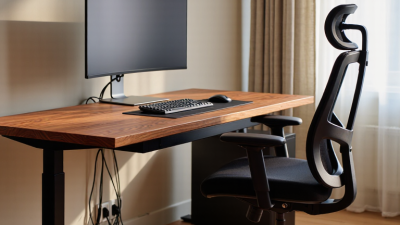
A computer desk is more than a flat surface; it shapes how digital work feels throughout the day. Measure your monitor, keyboard, chair, and available floor space before choosing a size. Leave room to move. A desk depth of 24 to 30 inches can provide useful monitor distance, depending on screen size and room layout. A narrow top may look neat but leave little space for a notebook or mouse.
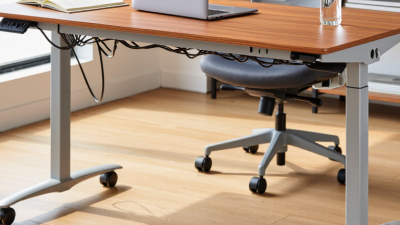
Stability matters when typing, especially if the desk holds multiple screens. Check that the frame feels steady and that your legs have enough clearance. Cable openings or a simple tray can keep cords from tangling around your feet. If you alternate between sitting and standing, an adjustable-height desk may help you change positions. It should still fit your room and feel solid at different heights.
Small details count. A matte surface can reduce glare from a nearby window, while rounded edges may feel more comfortable against your forearms. Keep frequently used items within easy reach, but avoid filling every inch. Even a carefully chosen desk can feel awkward once the computer is in place; monitor arms and accessories take up more space than expected. A short trial with cardboard cut to the desk’s dimensions can reveal cramped corners before you buy.
Standing and Height-Adjustable Desks
Standing and height-adjustable desks are flexible choices for people who alternate between computer work and writing. They let users change posture without moving monitors, notebooks, or keyboards. A 2018 Cochrane review on workplace sitting examined sit-stand desk trials. It estimated about 100 fewer sitting minutes per workday in short-term studies. That estimate came from six studies with 218 participants; the evidence quality was low. This caveat matters: less sitting does not automatically mean better comfort or health. Small changes matter.
A practical setup should adjust smoothly while keeping elbows near a right angle and the screen around eye level. Check stability with a monitor and mug on the surface; wobble can make typing irritating. Try short standing intervals, then sit again before fatigue builds. Not constantly. A footrest or supportive mat may help some users, though comfort differs. Height adjustment is a tool, not a prescription. People can stand too long at first. It is worth reconsidering: regular posture changes, rather than standing all day, are the point.
Executive and Corner Desks for Specialized Needs
Executive desks suit work that needs a broad, dependable surface. They often provide room for a monitor, paperwork, and face-to-face conversations. Choose dimensions around your actual routine, not just the desk’s impressive appearance. A deep top may look useful, yet leave too little space for a visitor’s chair. Measure the room and check drawer clearance before buying. Measure twice.
Corner desks can make awkward layouts more usable. Their L-shaped surfaces separate computer work from writing or sorting documents. They can also tuck into a corner and free up the center of a room. But a corner desk is not automatically space-saving; a deep return can crowd a narrow walkway. Check where cables, outlets, and windows sit. Leave enough space to move your chair without twisting around furniture. Small details matter.
Tips: Mark the desk’s footprint on the floor with painter’s tape. Sit within the outline and test your chair’s movement. Keep frequently used items close, and place the monitor at a comfortable viewing height. If two people share the space, agree on storage zones before setting up. That part is easy to overlook.
What Are the Top Types of Desk Tables?
Typical desktop width ranges highlight how executive, corner, and other desk styles suit different workspaces.
These approximate ranges reflect commonly available desk sizes, not fixed standards. For corner desks, the range represents the width of the main side; actual dimensions vary by model.